
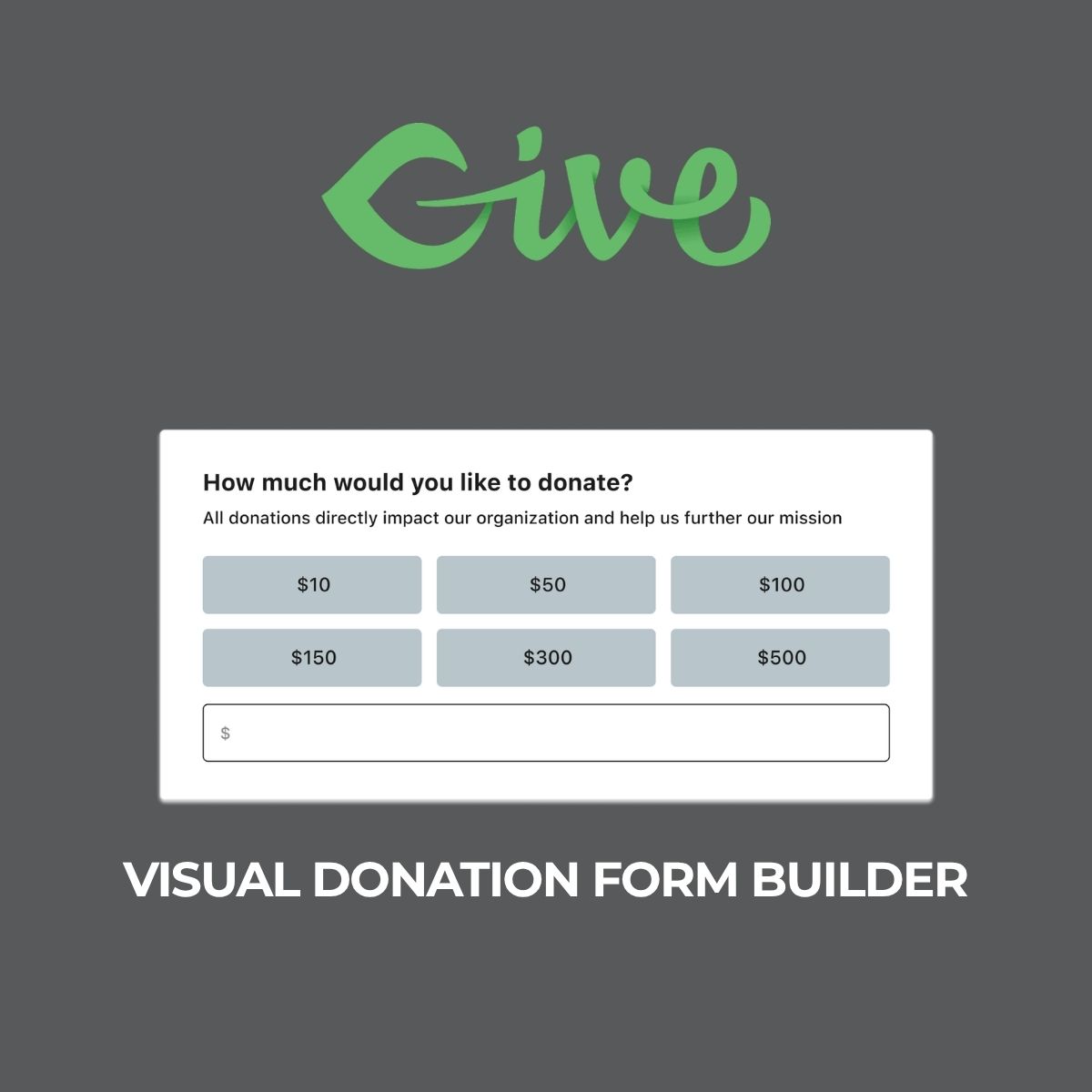


What is Give – Visual Donation Form Builder?
Give – Visual Donation Form Builder is an intuitive add-on for GiveWP that allows users to design donation forms using a drag-and-drop interface. It includes essential blocks for various donation details, enhancing the donation experience. Available at MyCodeLive with instant download and GPL license.
Key Features
Drag-and-Drop Interface
Easily arrange form elements by dragging and dropping blocks into place.
Customizable Blocks
Choose from various blocks for donation amounts, donor details, payment gateways, and more.
Optional Features
Include additional blocks such as billing address, company name, anonymous giving, terms, and donor comments.
Responsive Design
Forms created are mobile-friendly, ensuring a seamless experience for users on any device.
Integration with GiveWP
This add-on works seamlessly with the GiveWP plugin, enhancing its functionality.
Who is this for?
Pros
- User-friendly drag-and-drop interface
- Wide range of customizable blocks
- Responsive design for mobile users
- Seamless integration with GiveWP
Cons
- •Limited advanced customization options
- •May require additional documentation for some features
Product Description
The Give – Visual Donation Form Builder is an essential add-on for users of GiveWP, designed to simplify the process of creating donation forms. This plugin offers a visual editor that allows users to drag and drop various blocks to build their forms, making it accessible even for those without technical skills.
Technical Features
With version 0.7.0, the plugin includes a variety of blocks:
- Donation Amounts: Easily set predefined amounts or allow donors to enter custom amounts.
- Donor Details: Collect essential information from donors, such as name and email.
- Payment Gateways: Integrate multiple payment options to cater to different donor preferences.
- Donation Summary: Provide donors with a clear summary of their contributions before finalizing the transaction.
Optional Blocks
In addition to the core features, users can enhance their forms with optional blocks:
- Billing Address: Collect billing information for receipts and records.
- Company Name: Useful for corporate donations.
- Anonymous Giving: Allow donors to contribute without revealing their identity.
- Terms and Conditions: Include a checkbox for donors to agree to your terms.
- Donor Comments: Enable donors to leave messages or notes with their donations.
Workflow and Usability
The workflow is straightforward. After installing the GiveWP plugin, users can activate the Visual Donation Form Builder add-on. The visual editor opens, displaying a blank canvas where users can start adding blocks. Each block can be customized in terms of design and functionality, allowing for a tailored donation experience.
Forms created with this plugin are responsive, ensuring that they look great on both desktop and mobile devices. This is crucial as many donors prefer to contribute via their smartphones.
Comparative Analysis
Compared to traditional form builders, the Give – Visual Donation Form Builder stands out due to its integration with GiveWP, which is specifically designed for managing donations. This targeted approach ensures that all features are relevant to non-profit organizations and fundraising efforts.
In conclusion, the Give – Visual Donation Form Builder is a powerful tool for enhancing the donation experience. It is available at MyCodeLive under the GPL license, allowing for flexibility and ease of use.

Reviews
There are no reviews yet.